What it does
- PEB Studio logo (design 07 – “Digital platform for PEB”) at the top of the left-hand menu, on the sign-in and registration pages and in the phone header.
- The collapsed menu shows only the symbol (long-span building frame); the same symbol is the browser-tab icon and the app icon when Smart Erection is added to a phone home screen.
- Right under the logo is the company you are working in (e.g. World Steel Construction JSC). On a multi-company server every company has its own address (apps.pebstudio.com/<company>).
- Page titles and the breadcrumb use the name PEB Studio; the footer reads “© year – company name · PEB Studio”.
- The company brand stays on printed pages, PDFs (cutting plans, reports, packing lists…), labels and client share pages – see D.3.
How to use it
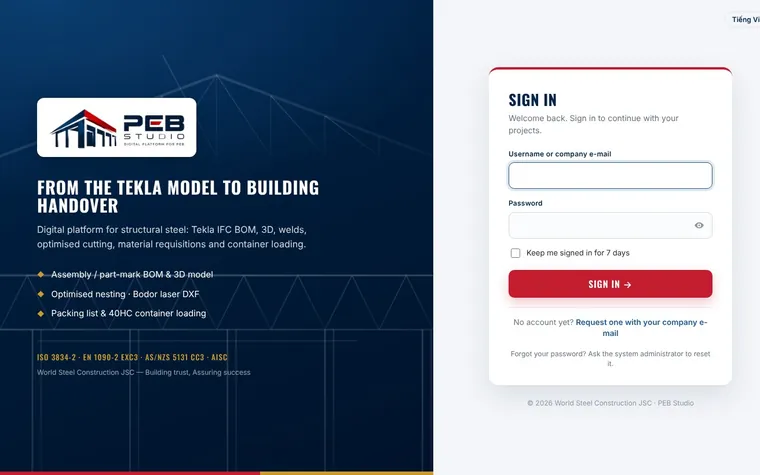
- Open the sign-in page: the PEB Studio logo is on the navy panel on the left (on a phone: above the sign-in card).
- After signing in, check the company name under the logo before you start working.
- Click Collapse menu at the bottom of the menu to show the symbol only; click again to expand.
See also
Was this page helpful?
Thank you for your feedback!
Updated 02 Nov 2026