
-
Step 1
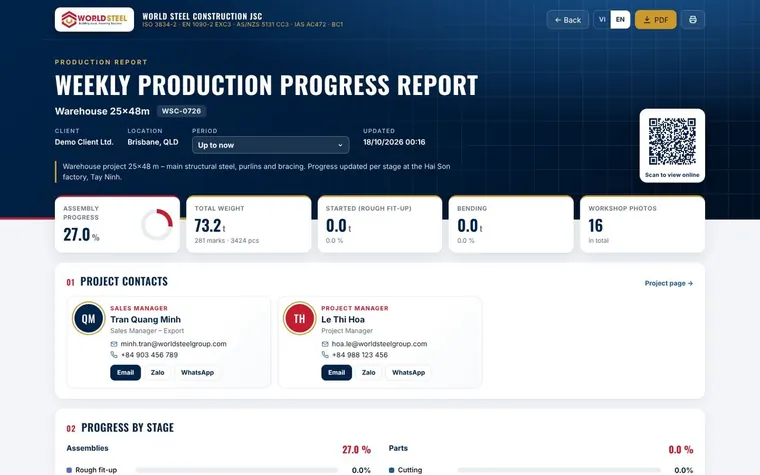
Prepare the weekly report
Open Project → Reports and create the periodic report with KPIs, colour-coded 3D and workshop photos by stage.
-
Step 2
Create a share link
Click Share, choose what the client may see, set an expiry date and an optional PIN.
-
Step 3
Send it
Send the link by e-mail or print the signed QR code on your branded PDF.
-
Step 4
Give the client an account
For long projects, invite the client to the customer portal to follow documents, shipments and erection in one place.
Was this guide helpful?
Thank you for your feedback!
Updated 01 Nov 2026